Praktische KI-Bildtools für echte Aufgaben
Kostenlose KI-Bildtools für Alltagsfotos
Bilder online mit einfachen KI-Tools bearbeiten, umwandeln und erstellen. Starte mit kostenlosen Tools und entdecke, was als Nächstes kommt.
No complex software. No heavy workflow. Just simple image tools built around everyday creative tasks.
What is Image AI Box?
Image AI Box is a growing toolbox of focused AI image tools. Instead of building one complex editor, each tool is designed for a clear task: turning a photo into a sketch, previewing wall colors, creating coloring pages, converting images into vector-style graphics, or removing backgrounds.
Explore AI Image Tool Categories
Image AI Box will grow around practical image workflows, from creative transformations to everyday editing and design utilities.
Creative Tools
For turning images into sketches, coloring pages, illustrations, and visual ideas.
Photo Editing Tools
For simple online image cleanup and transformation tasks.
Design Tools
For creators and small businesses who need quick visual assets.
Home & Visual Preview Tools
For practical preview workflows before making real-world decisions.
Ein fokussierter Start mit nützlichen Bildtools
Image AI Box startet mit klaren Tool-Seiten, die erklären, was jedes Tool tut und für wen es gedacht ist.
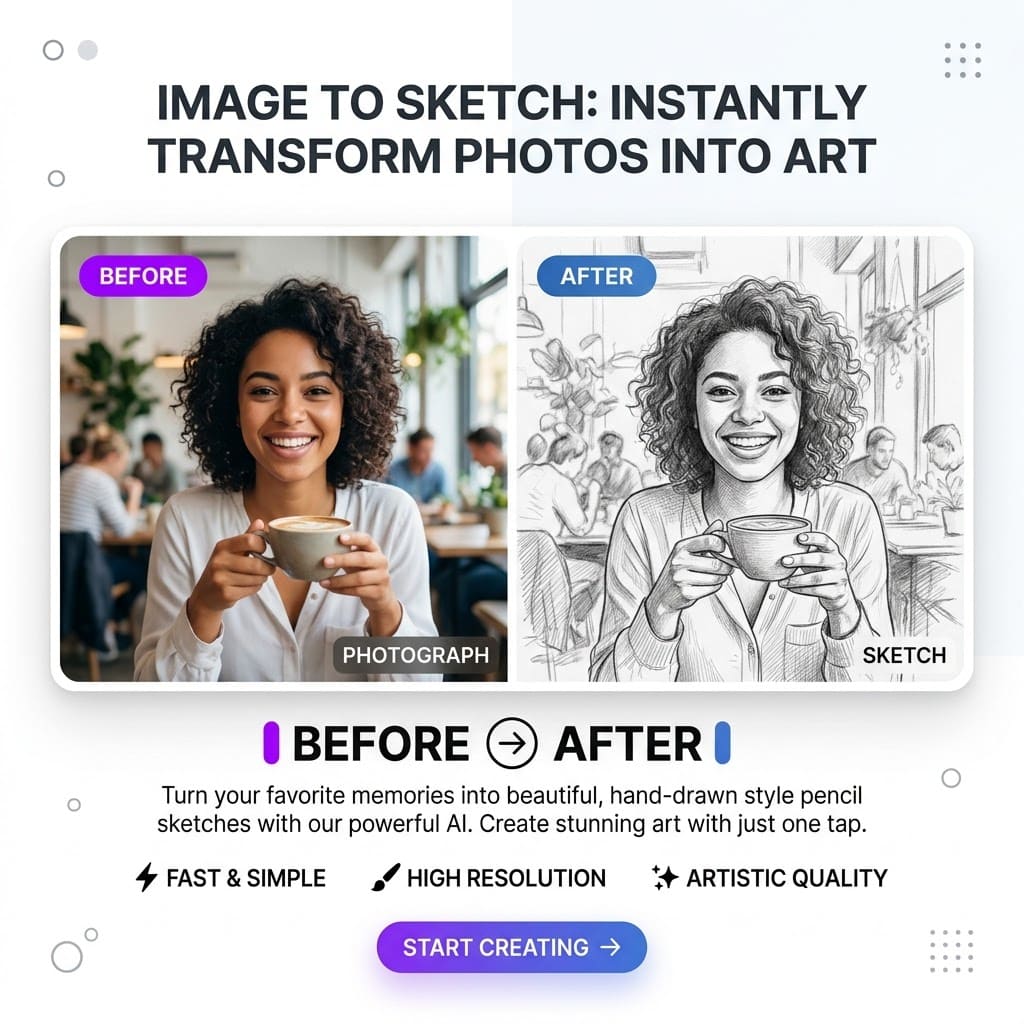
Bild zu Skizze
Verwandle Fotos mit KI in saubere Skizzenbilder.
Who it helps
Kreative Projekte
Planned use
Profilbilder
View Tool
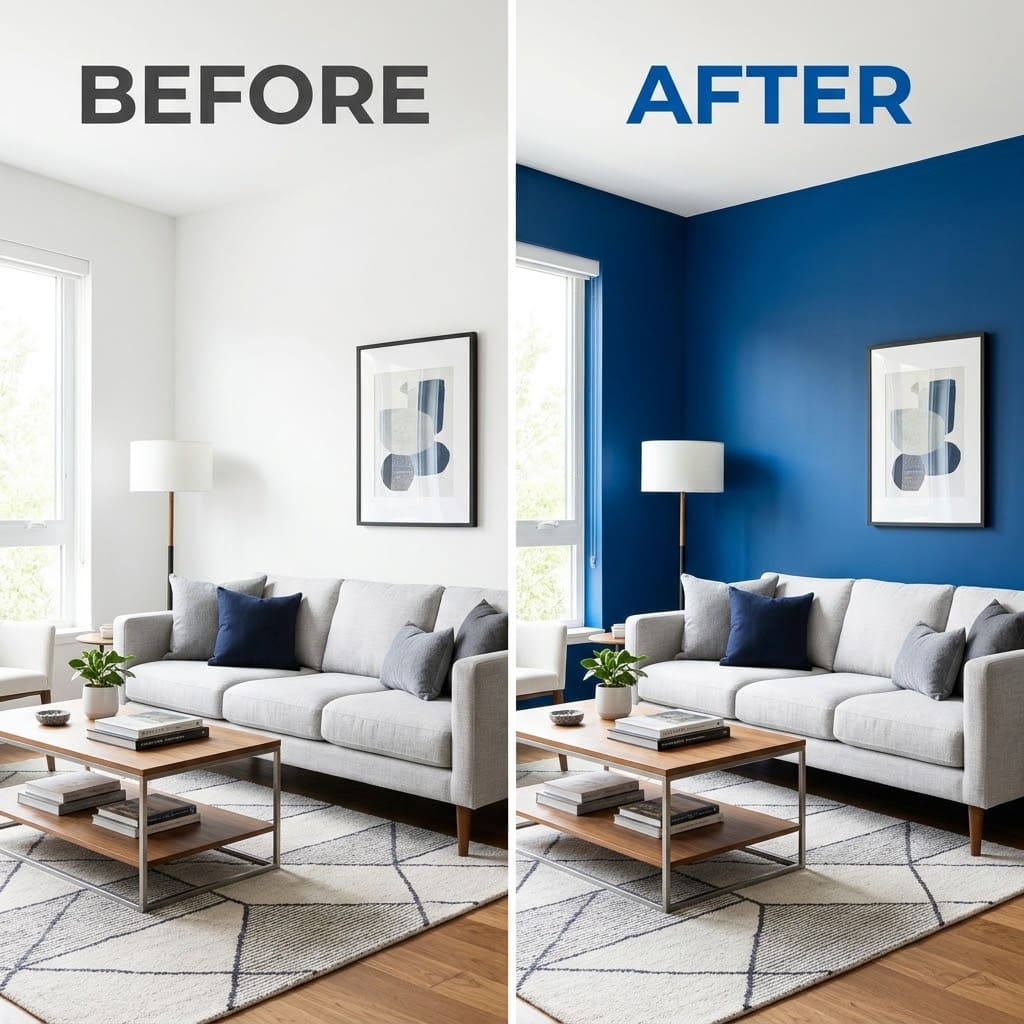
Wandfarben-Vorschau
Teste verschiedene Wandfarben vor dem Streichen.
Who it helps
Renovierungsplanung
Planned use
Interior-Entwürfe
View Tool
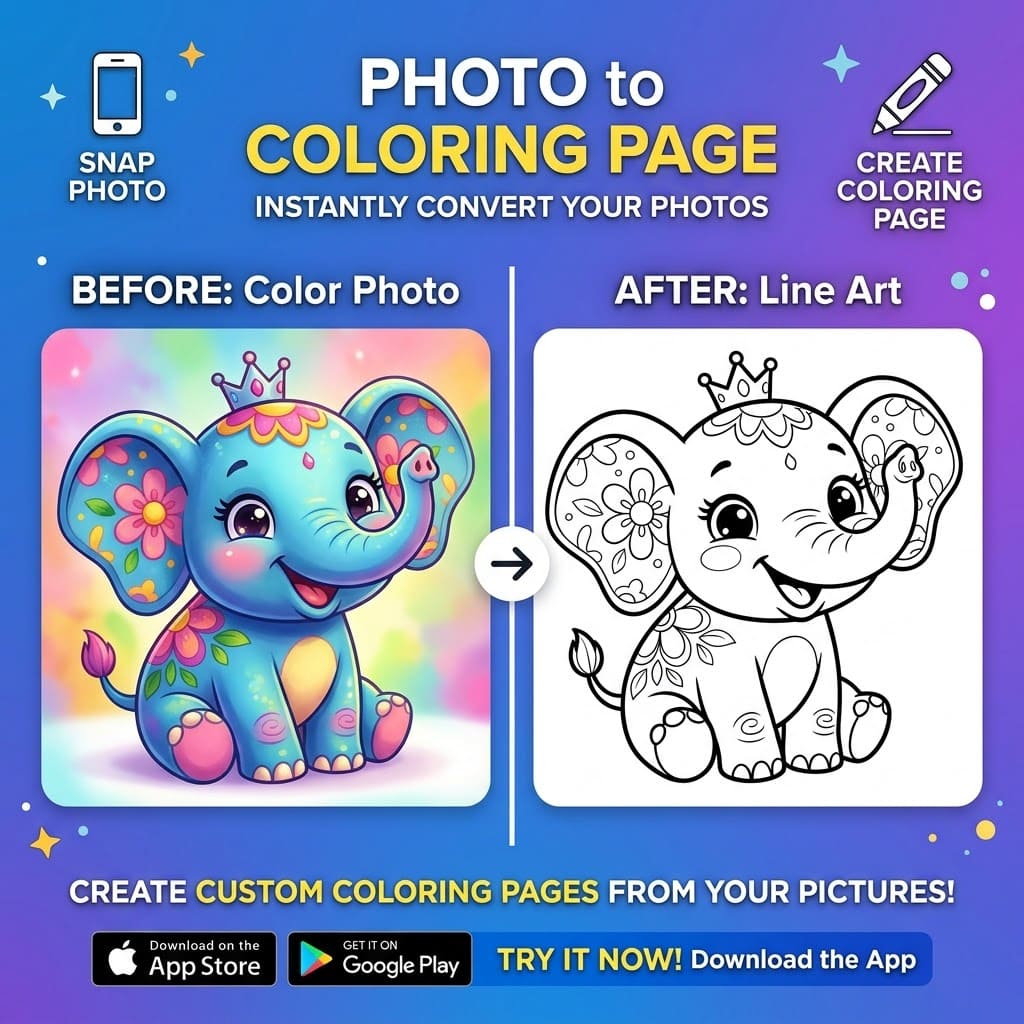
Foto zu Ausmalbild
Verwandle Fotos in druckbare Ausmalbilder.
Who it helps
Unterricht
Planned use
Familienprojekte
View Tool
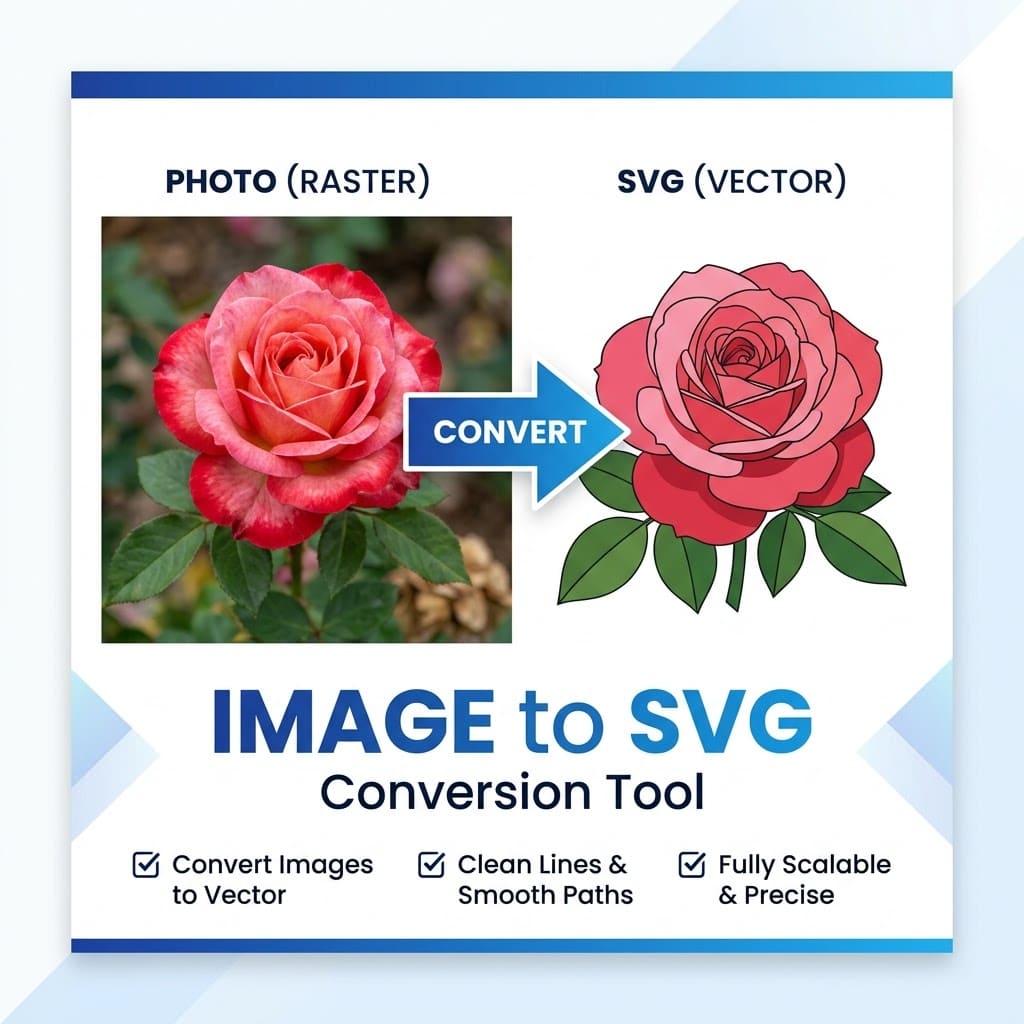
Bild zu SVG
Wandle Bilder in vektorartige Grafiken um.
Who it helps
Icons
Planned use
Einfache Illustrationen
View Tool
KI-Hintergrundentferner
Entferne Bildhintergründe online.
Who it helps
Profilbilder
Planned use
Produktfotos
View Tool
Built for everyday image workflows
Image AI Box is designed for practical creative tasks that should not require complicated design software.
For creators
Create quick visuals, profile images, sketches, and content assets.
For students and teachers
Generate printable activities, visual references, and lightweight classroom materials.
For small business owners
Prepare simple product visuals, remove backgrounds, and test creative image ideas.
For home projects
Preview wall colors and visual changes before making real-world decisions.
For designers and marketers
Create quick drafts, visual references, and supporting image assets.
Beispiel-Workflows
Diese Vorschauen zeigen, wofür jedes Tool gedacht ist.
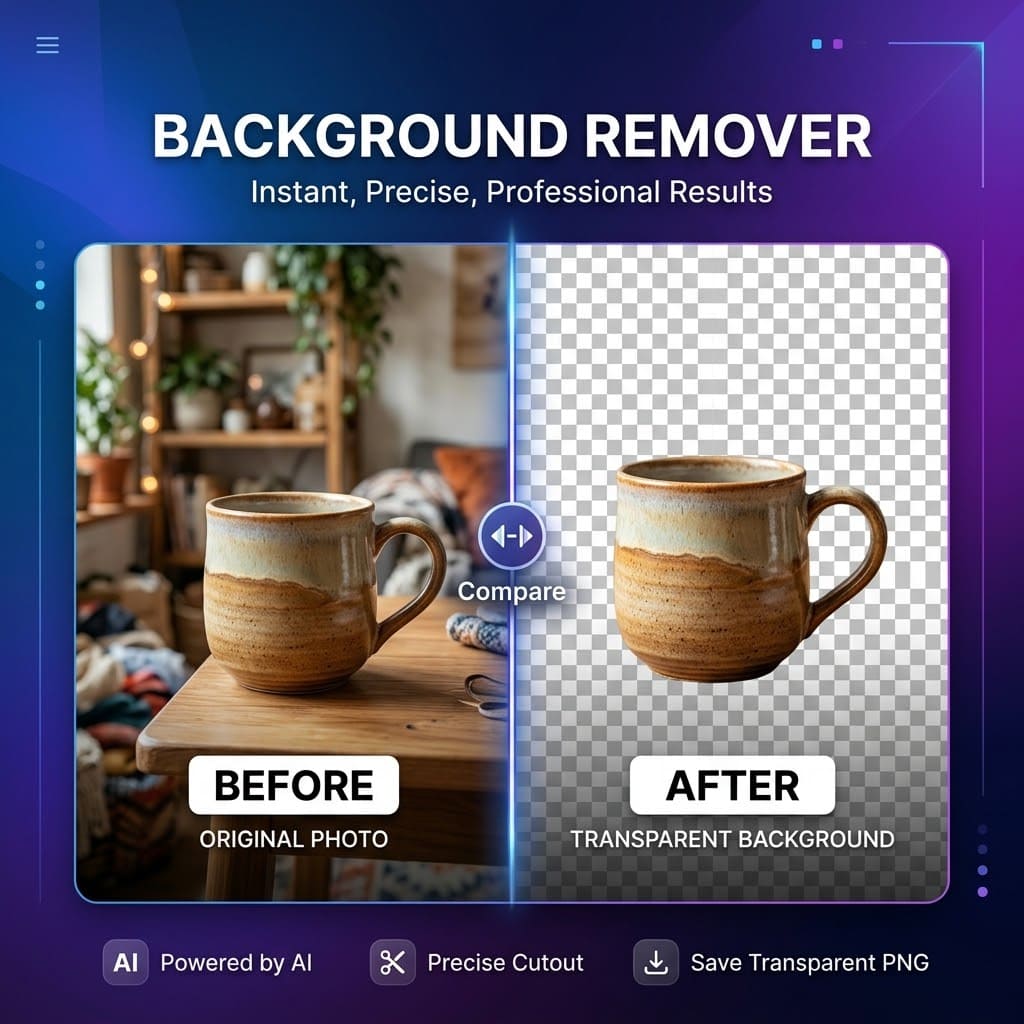
So funktioniert es
Choose a tool
Upload your image
Generate a preview
Download or save your result
Image AI Box hält Bildbearbeitung bewusst einfach: Tool wählen, Bild hochladen und in Sekunden ein Ergebnis erhalten.
Image AI Box is designed to keep image editing simple. Each tool focuses on one clear task, so users can get started without learning a complex editor.
Why focused tools?
Many image platforms try to do everything in one large editor. Image AI Box takes a different approach: small tools, clear use cases, and simple workflows. This makes it easier for users to find the right tool, understand what it does, and get a result quickly.
Image AI Box is currently in early access
Image AI Box is being built step by step. Some tools may be available as beta features, while others are listed as coming soon. We are launching early so we can test which tools are most useful, improve the workflow, and prioritize new features based on user feedback.
What we are building next
The roadmap is intentionally focused on practical image workflows instead of a single all-purpose editor.
Share feedback or request a tool
Early access works best when users tell us what is useful, what is missing, and which workflows they need next.
Häufige Fragen
Was ist Image AI Box?
Image AI Box ist eine Sammlung einfacher KI-Bildtools zum Bearbeiten, Umwandeln und Erstellen von Bildern online.
Sind die Tools kostenlos?
Einige Tools können kostenlos getestet werden. Später könnten erweiterte Funktionen Credits oder einen Tarif erfordern.
Brauche ich ein Konto?
Einige Basisfunktionen könnten ohne Konto verfügbar sein. Verlauf, Credits oder erweiterte Tools könnten später ein Konto erfordern.
Welche Tools sind verfügbar?
Zum Start gibt es Bild zu Skizze, Wandfarben-Vorschau, Foto zu Ausmalbild, Bild zu SVG und Hintergrundentfernung.
Darf ich Ergebnisse kommerziell nutzen?
Das hängt vom Tool und vom hochgeladenen Bildmaterial ab. Nutze nur Bilder, für die du Rechte oder Erlaubnis hast.
Wie erreiche ich den Support?
Über die Kontaktseite oder per E-Mail an baihong6@gmail.com.