실용적인 AI 이미지 도구
일상 사진을 위한 무료 AI 이미지 도구
간단한 AI 도구로 이미지를 온라인에서 편집, 변환, 생성하세요. 무료 도구부터 시작하고 앞으로 추가될 기능도 확인할 수 있습니다.
No complex software. No heavy workflow. Just simple image tools built around everyday creative tasks.
What is Image AI Box?
Image AI Box is a growing toolbox of focused AI image tools. Instead of building one complex editor, each tool is designed for a clear task: turning a photo into a sketch, previewing wall colors, creating coloring pages, converting images into vector-style graphics, or removing backgrounds.
Explore AI Image Tool Categories
Image AI Box will grow around practical image workflows, from creative transformations to everyday editing and design utilities.
Creative Tools
For turning images into sketches, coloring pages, illustrations, and visual ideas.
Photo Editing Tools
For simple online image cleanup and transformation tasks.
Design Tools
For creators and small businesses who need quick visual assets.
Home & Visual Preview Tools
For practical preview workflows before making real-world decisions.
먼저 유용한 이미지 도구부터 시작합니다
Image AI Box는 각 도구가 무엇을 하는지, 누구에게 적합한지, 앞으로 어떻게 발전할지 설명하는 명확한 정적 페이지로 시작합니다.
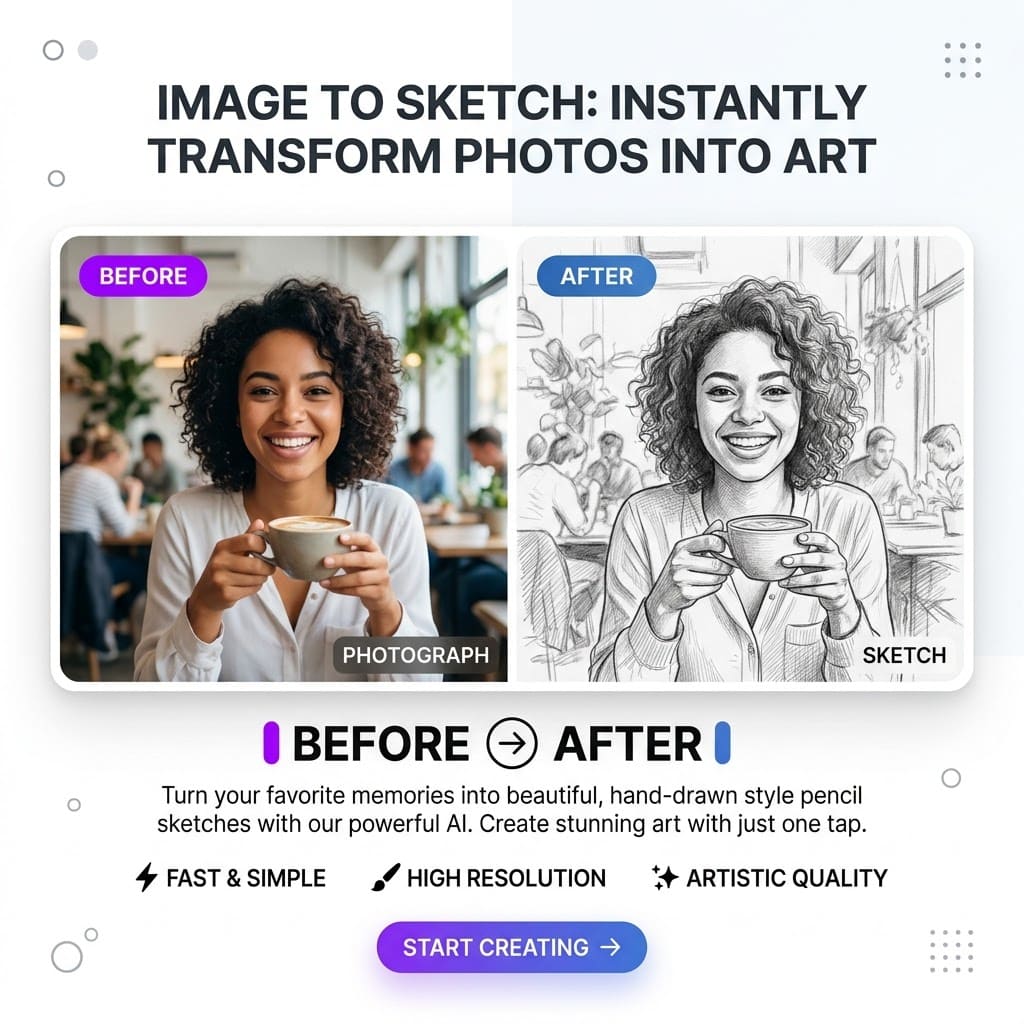
이미지를 스케치로
AI로 사진을 깔끔한 스케치 스타일 이미지로 변환합니다.
Who it helps
창작 프로젝트
Planned use
프로필 이미지
View Tool
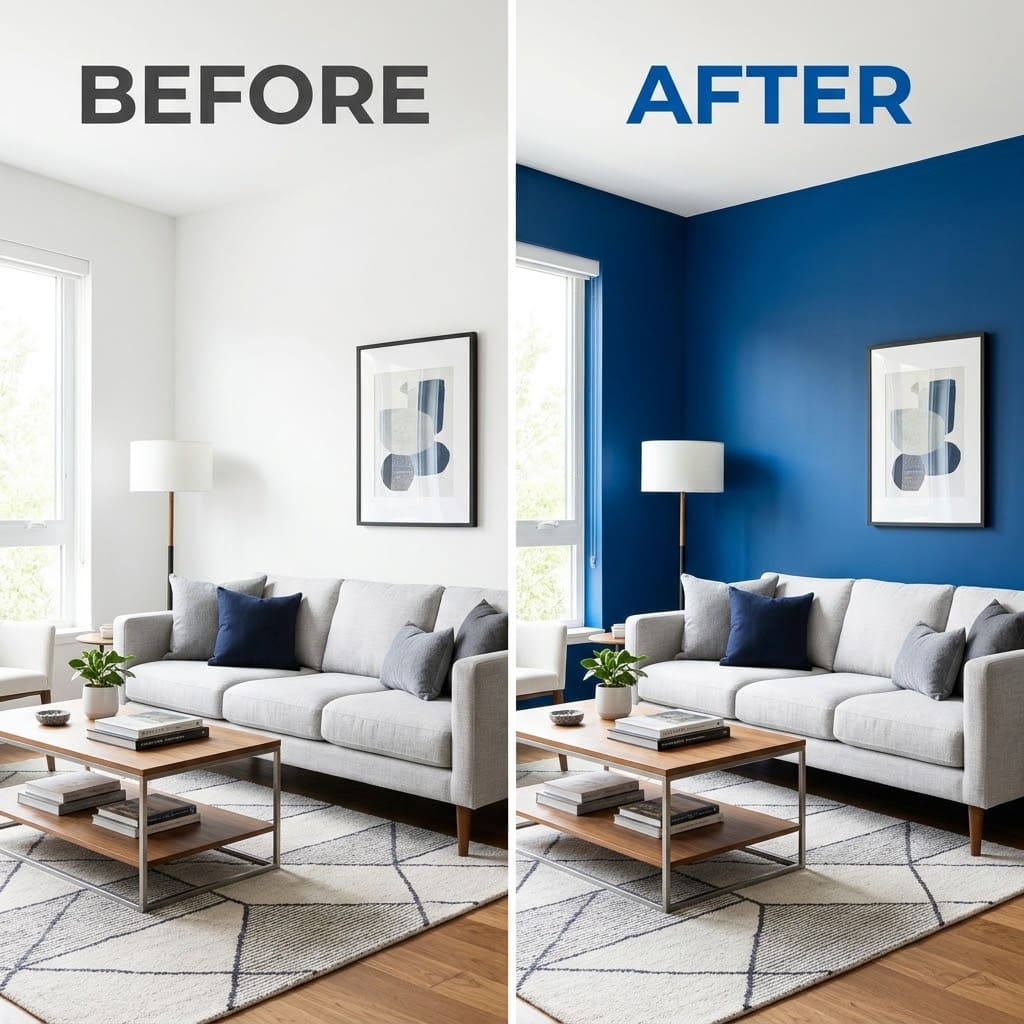
벽 색상 변경
방 사진으로 벽 색상을 미리 확인하세요.
Who it helps
리모델링 계획
Planned use
인테리어 시안
View Tool
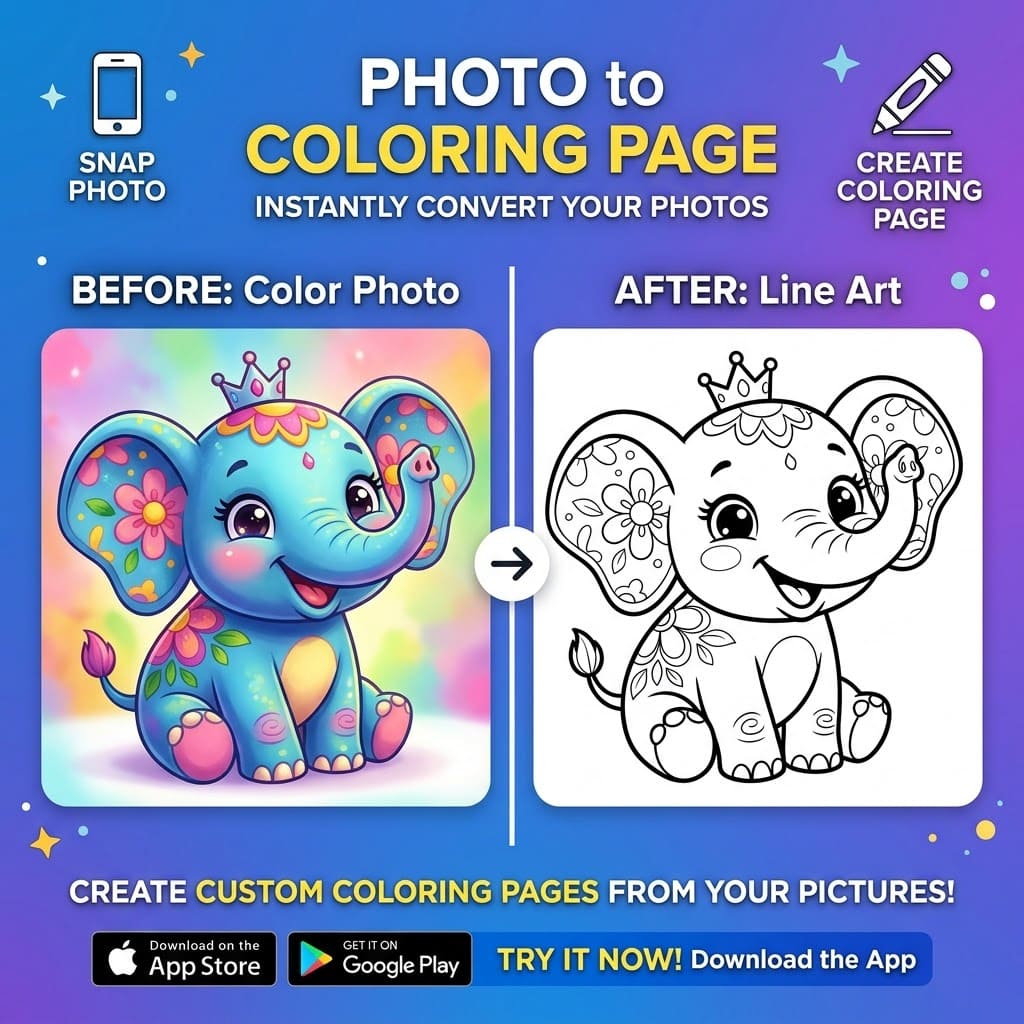
사진을 컬러링 페이지로
사진을 인쇄 가능한 컬러링 페이지로 변환합니다.
Who it helps
학교 활동
Planned use
가족 프로젝트
View Tool
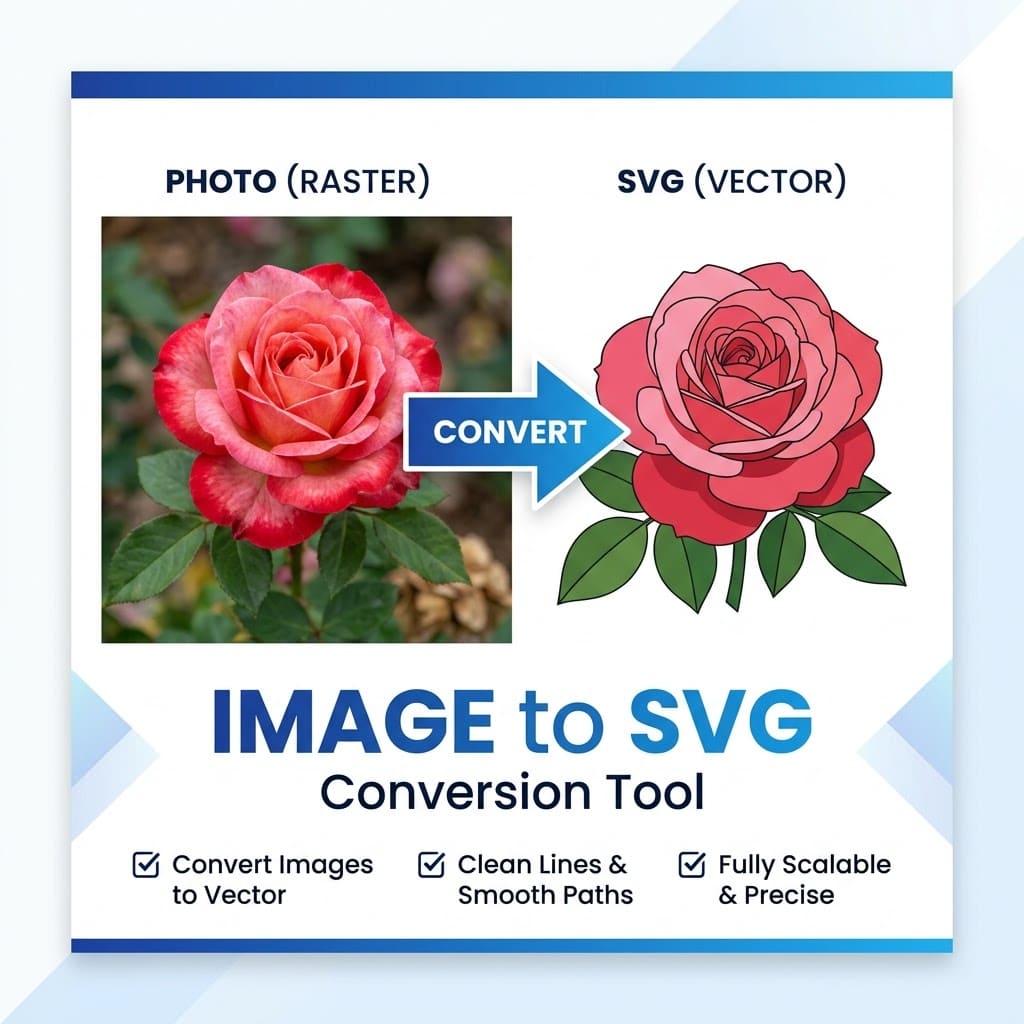
이미지를 SVG로
이미지를 벡터 스타일 그래픽으로 변환합니다.
Who it helps
아이콘
Planned use
간단한 일러스트
View Tool
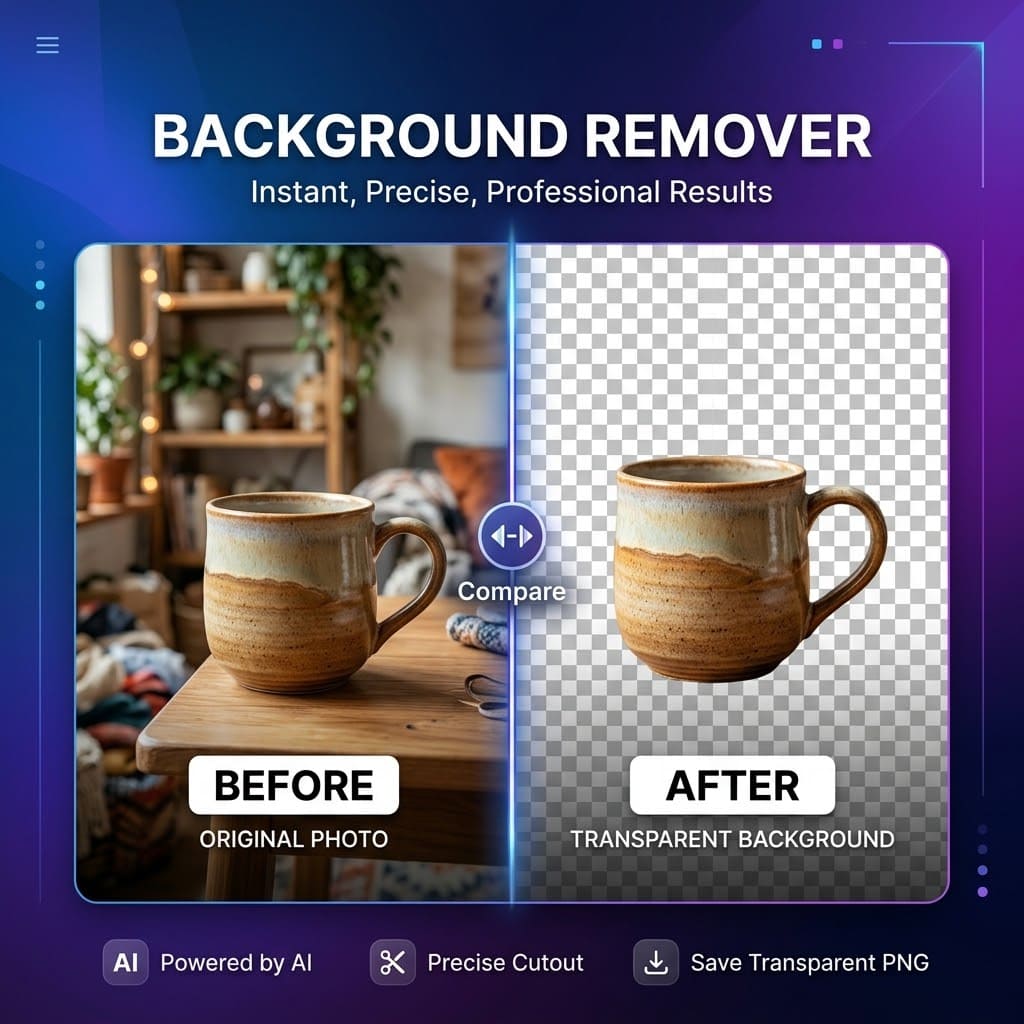
AI 배경 제거
이미지 배경을 온라인에서 제거합니다.
Who it helps
프로필 사진
Planned use
상품 이미지
View Tool
Built for everyday image workflows
Image AI Box is designed for practical creative tasks that should not require complicated design software.
For creators
Create quick visuals, profile images, sketches, and content assets.
For students and teachers
Generate printable activities, visual references, and lightweight classroom materials.
For small business owners
Prepare simple product visuals, remove backgrounds, and test creative image ideas.
For home projects
Preview wall colors and visual changes before making real-world decisions.
For designers and marketers
Create quick drafts, visual references, and supporting image assets.
워크플로 미리보기
각 도구가 무엇을 위한 것인지 보여 주는 미리보기입니다.
이용 방법
Choose a tool
Upload your image
Generate a preview
Download or save your result
Image AI Box는 이미지 편집을 더 단순하게 만들기 위해 설계되었습니다.
Image AI Box is designed to keep image editing simple. Each tool focuses on one clear task, so users can get started without learning a complex editor.
Why focused tools?
Many image platforms try to do everything in one large editor. Image AI Box takes a different approach: small tools, clear use cases, and simple workflows. This makes it easier for users to find the right tool, understand what it does, and get a result quickly.
Image AI Box is currently in early access
Image AI Box is being built step by step. Some tools may be available as beta features, while others are listed as coming soon. We are launching early so we can test which tools are most useful, improve the workflow, and prioritize new features based on user feedback.
What we are building next
The roadmap is intentionally focused on practical image workflows instead of a single all-purpose editor.
Share feedback or request a tool
Early access works best when users tell us what is useful, what is missing, and which workflows they need next.
자주 묻는 질문
Image AI Box는 무엇인가요?
Image AI Box는 이미지를 온라인에서 편집, 변환, 생성할 수 있는 간단한 AI 이미지 도구 모음입니다.
도구는 무료인가요?
일부 도구는 무료로 체험할 수 있습니다. 향후 고해상도 출력이나 고급 기능은 크레딧 또는 유료 플랜이 필요할 수 있습니다.
계정이 필요한가요?
일부 기본 기능은 계정 없이 제공될 수 있지만, 기록 저장이나 고급 기능은 나중에 계정이 필요할 수 있습니다.
어떤 도구가 제공되나요?
이미지 스케치 변환, 벽 색상 변경, 사진을 컬러링 페이지로 변환, 이미지 SVG 변환, 배경 제거부터 시작합니다.
결과물을 상업적으로 사용할 수 있나요?
사용 가능 여부는 도구와 업로드한 이미지의 권리 상태에 따라 달라집니다. 권한이 있는 이미지만 사용하세요.
지원팀에 어떻게 연락하나요?
문의 페이지 또는 baihong6@gmail.com 으로 연락할 수 있습니다.