AI image tools for quick everyday edits
Explore AI image tools from Image AI Box
Browse the first set of Image AI Box tool pages. Each page explains what the tool does, who it helps, and what to expect as the workflow moves from beta toward a fuller release.
Image AI Box is building a growing collection of simple AI-powered image tools. Instead of one complex editor, we focus on clear tools for practical tasks.
Start with focused tools for editing, transforming, and preparing images for everyday creative work.
What you will find here
A practical directory of AI image workflows
Browse tools by workflow
Image AI Box groups tools around practical image tasks, from creative transformations to editing and design utilities.
Creative Transformation Tools
Tools that help transform photos into new visual styles or formats.
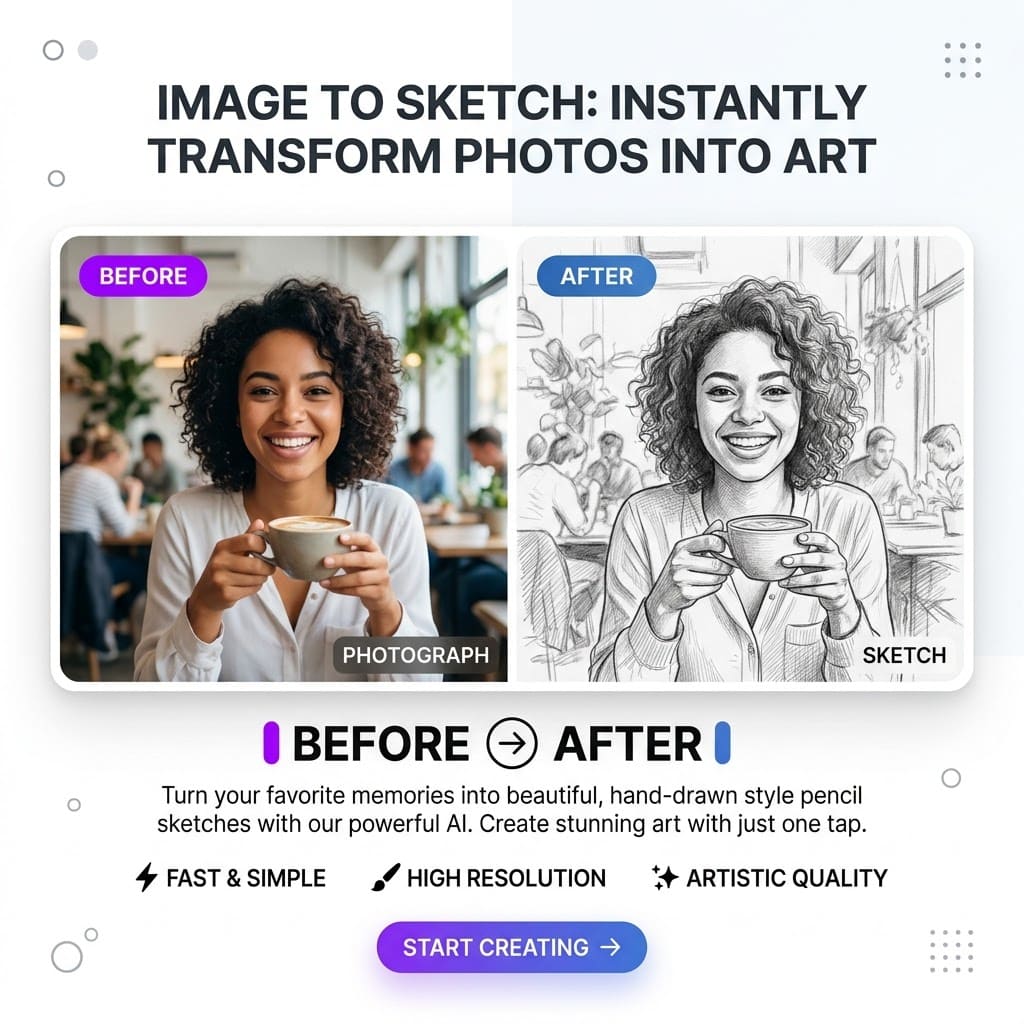
- Image to Sketch
- Photo to Coloring Page
Photo Editing Tools
Tools for simple cleanup, editing, and everyday image preparation.
- AI Background Remover
- Wall Color Changer
Design Utility Tools
Tools that help turn images into usable visual assets for simple design work.
- Image to SVG
Home Preview Tools
Tools that help visualize changes before making real-world decisions.
- Wall Color Changer
- More room preview tools may be added later
Current tool collection
Start with a focused set of practical AI image tools. More tools will be added over time.
Image to Sketch
Upload a photo and convert it into a sketch-style image. This tool is useful for creative projects, profile pictures, printable artwork, and design inspiration.
Common use cases
Wall Color Changer
Upload a room photo and use AI to preview different wall colors. This tool is designed for homeowners, renters, decorators, and anyone planning a room update.
Common use cases
Photo to Coloring Page
Upload a photo and turn it into a clean coloring-page style image. This tool is useful for classroom activities, family projects, printable pages, and creative fun.
Common use cases
Image to SVG
Use this tool to convert simple images into vector-style results that can be useful for design, icons, illustrations, and creative workflows.
Common use cases
AI Background Remover
Upload an image and remove the background with AI. This tool is useful for profile photos, product images, social posts, and simple design tasks.
Common use cases
How to choose the right tool
If you are not sure where to start, choose a tool based on the result you want to create.
If you want a hand-drawn look
Start with Image to Sketch.
If you want printable line art
Start with Photo to Coloring Page.
If you want cleaner product or profile visuals
Start with AI Background Remover.
If you want to preview room paint ideas
Start with Wall Color Changer.
If you want vector-style output
Start with Image to SVG.
Built for practical image workflows
Image AI Box is designed for simple tasks that users want to finish quickly without learning complicated design software.
For creators
Turn images into sketches, cut out backgrounds, and build simple visual assets.
For students and teachers
Create printable activity pages, visual references, and creative learning materials.
For small business owners
Prepare product visuals, lightweight design assets, and simple promotional images.
For home improvement planning
Preview room colors before repainting and compare ideas visually.
For designers and marketers
Create quick drafts, early concepts, and support images for creative workflows.
Current status: early access
Image AI Box is still growing. Some tools may already have beta pages, while others are still being prepared. We are launching step by step so we can test demand, improve the workflows, and prioritize the most useful tools first.
During early access:
- Some tools may be limited
- Some pages may be informational first
- Results may vary depending on the image
- Free usage may include limits or watermarks
- More advanced features may be added later
What kinds of tools may be added next
Image AI Box will continue expanding based on user feedback and real usage patterns.
Example workflow previews
These previews help explain what each tool is designed to do.
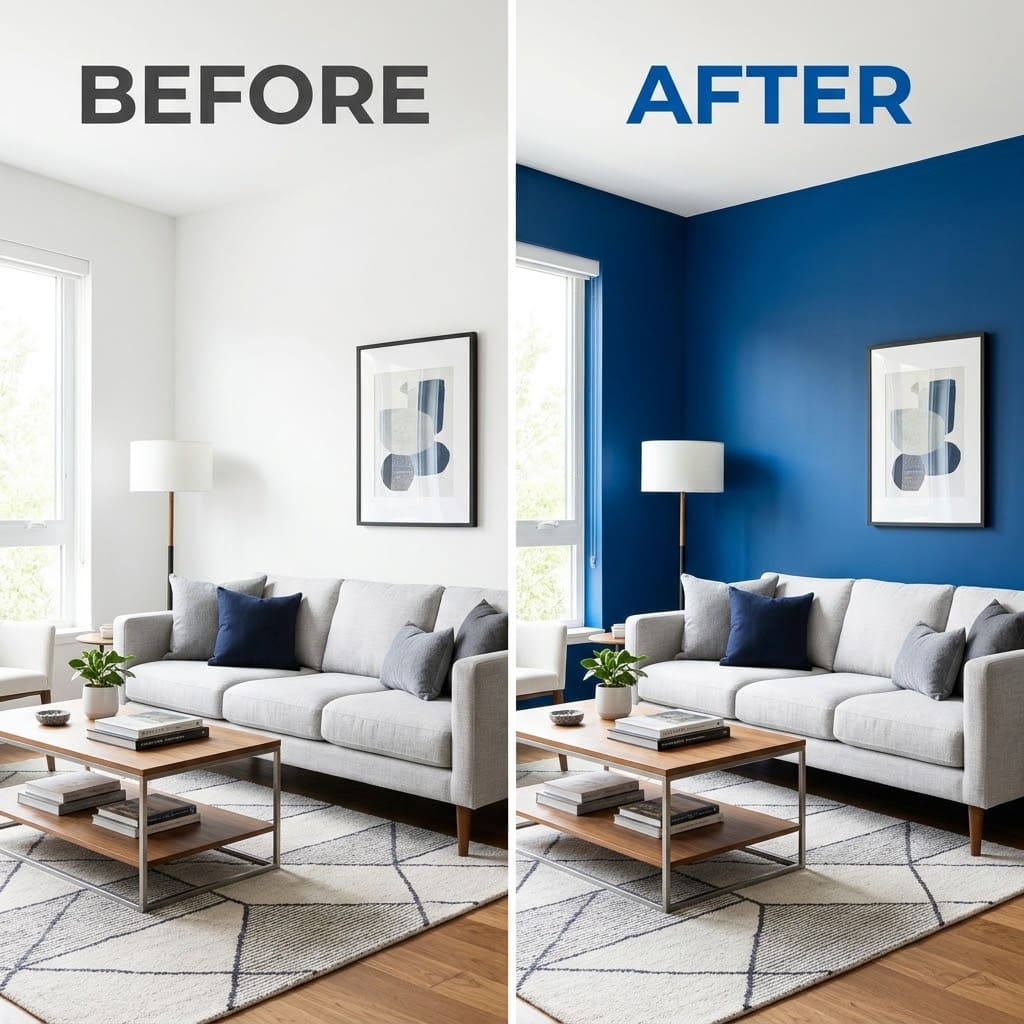
Wall Color Changer
Preview different wall colors in your room photo before repainting.
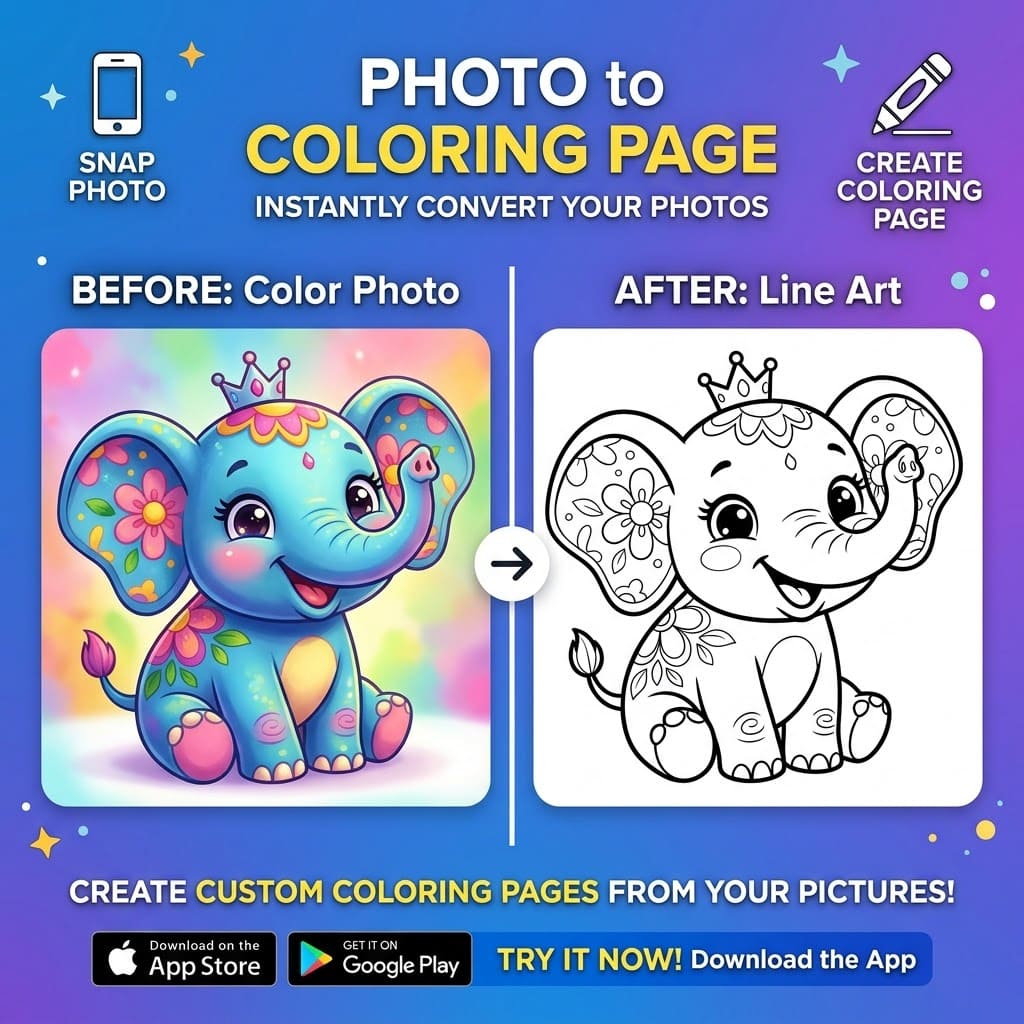
Photo to Coloring Page
Convert photos into printable coloring pages for kids, teachers, and creators.
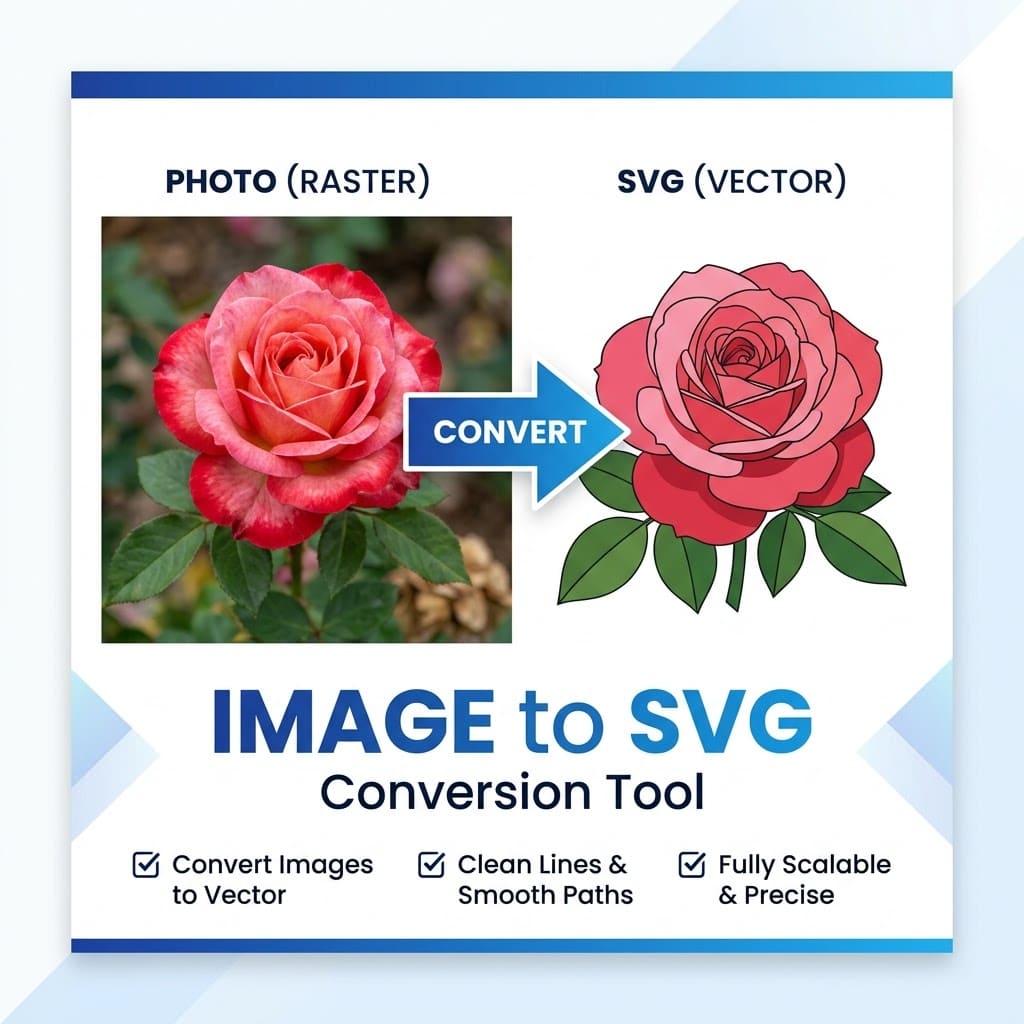
Image to SVG
Convert images into clean vector-style graphics for design projects.
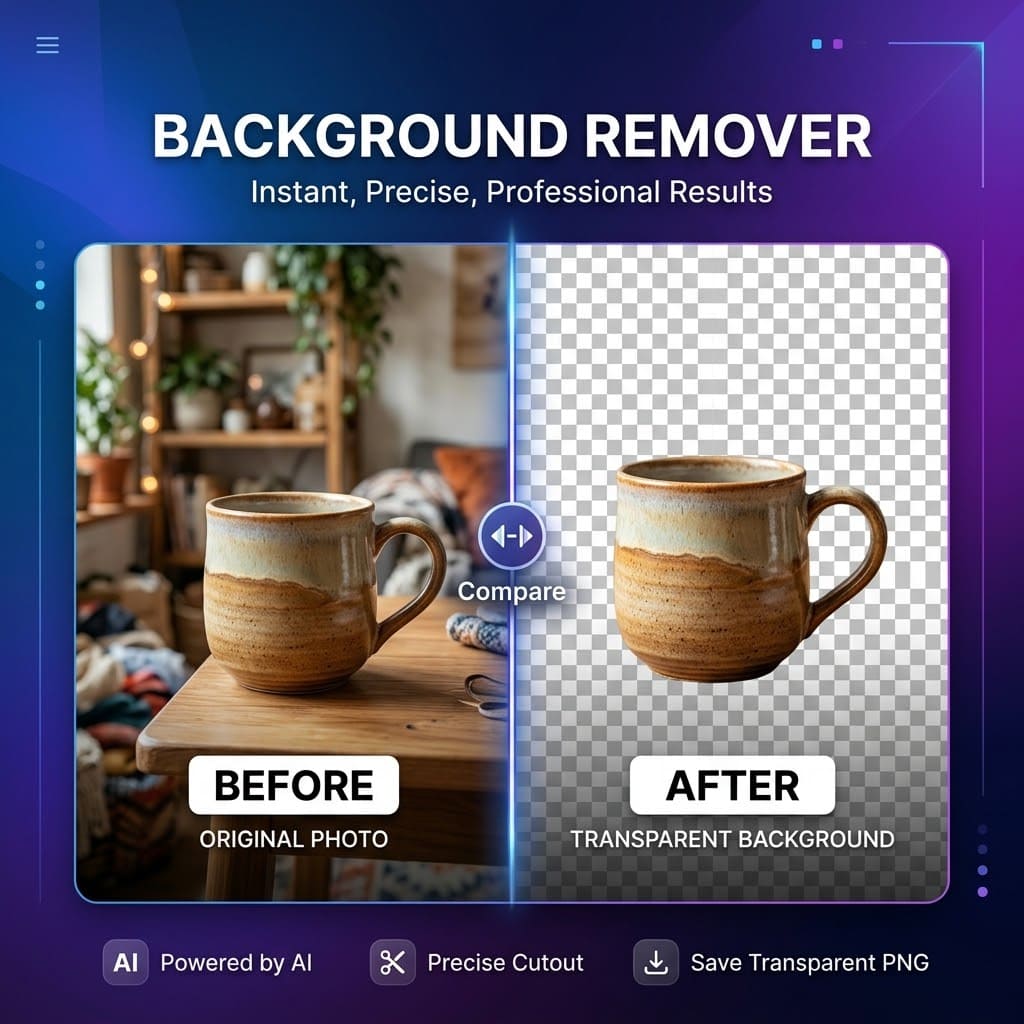
AI Background Remover
Remove image backgrounds and create transparent cutouts online.
Explore more
Frequently asked questions about our tools
Are all Image AI Box tools available now?
Not yet. Some tools may already have beta pages, while others are still coming soon. We are launching step by step.
Are the tools free?
Some tools may be free to try during the early stage. Free use may include limits such as watermarked exports, lower resolution, or generation caps.
How do I know which tool to use?
Choose the tool based on the result you want. For example, use Image to Sketch for artistic outputs, Background Remover for cleaner cutouts, and Wall Color Changer for room color previews.
Are the tools built for professional design work?
Image AI Box is designed mainly for practical everyday workflows. Some tools may be useful for designers, but the goal is simplicity rather than replacing a full design suite.
Can I request a new tool?
Yes. Feedback helps us decide what to build next. You can contact us or send a tool request.
Why are some pages labeled Beta / Coming Soon?
That means the workflow is still being tested or prepared. We use these labels to set expectations clearly.
Will more tools be added later?
Yes. Image AI Box is designed as a growing collection of focused AI image tools.
How can I contact support?
You can contact us through the Contact page or by email at baihong6@gmail.com.
Built step by step
Start with simple AI image workflows
Explore the first set of Image AI Box tools and follow the product as new workflows are added over time.